

노트북 켜기 귀찮아서 테스트는 못해봤는데 유용한 툴인거 같네요.
노트북 켜기 귀찮아서 테스트는 못해봤는데 유용한 툴인거 같네요.

10년도 넘은 윈98, 윈2000까지만 지원하는 구닥다리 스캐너인데 한 6년 구석에 처박아놨다가
사진 스캔할 일이 있어서 혹시나 하고 구닥다리 노트북(삼성 센스640, 펜2 mmx200, 64M, 하드 6기가)에
연결했더니…. 잘 작동한다..
윈98이 깔린 노트북이 어찌나 느리던지 예전에 어떻게 이걸로 컴퓨터와 인터넷 강의를 했을까 하는
생각이 든다.
구글에서 찾아보니 primax4800 direct 스캐너(패러럴)를 XP에서 쓸 수 있게 누군가가 만든 드라이버가
있던데 아쉽게도 몇일전에 컴퓨터를 비스타로 바꿔버려서 본체에는 못 물려봤다.
비스타 쓰다가 싫증나면 XP에서 다시 설치해봐야겠다.
primax4800 direct win98 드라이버 7745753271.zip

iPC OSx86 10.5.6 Universal READ ME FIRST!!!
~~~~~~~~~~~~~~~~~~~~~~~~~~~~~~~~~~~~~~~~
ISO INFO
ISO Size on Disk: 4.3GB
DVD Base System: Mac OS X 10.5.4 9E25 Retail
Installed OS: Mac OS X 10.5.6 with AppleDecrypt.kext and Disabler.kext (every install)
Languages Included: Japanese, German, French, Spanish, Italian, Dutch, Danish, Finnish, Korean, Norwegian, Russian, Swedish, Brazilian Portuguese, Simplified Chinese, Traditional Chinese, Portuguese, Polish
Items removed from DVD for Single Layer Slimming: Boot Camp (doesn’t work on PCs), AdditionalSpeechVoices, Printer Drivers
Updates Included: Mac OS X 10.5.6 Combo Update, Java for Mac OS X 10.5 Update 2, Remote Desktop Client 3.2.2
DVD Bootloader: Chameleon 1.0.11
Default installed bootloader: Chameleon 1.0.12 PC_EFI v9
DVD Boot Kernel: Voodoo Kernel 9.5.0 Final Release
MD5 Hash of iPC OSx86 10.5.6 Universal PPF5 (Final).iso: 9ceb2e8daaa182a1071a337ad9b81e3f
This is the same as iPC Public Beta patched to PPF5!
IMPORTANT NOTES
– Choose only what your system has and nothing else
– DO NOT select more than one driver that installs the same kexts! For example, do not select 2 SMBIOS kexts and do not select 2 AppleHDA audio drivers, etc. This will in many cases cause the install to fail
– If you get “Still waiting for root device” then make sure you install a chipset driver
– If you kernel panic on startup then try doing a bare install with only the essentials (no extra drivers)
– If you get a kernel panic screen and want to see what caused it, please boot in verbose mode (-v boot flag at the F8 boot prompt)
– Default bootloader installed is PC_EFI v9, other bootloaders are available under “Alternate Bootloaders”
– Default kernel installed is 9.6.0 Vanilla kernel
– If you are on an AMD or SSE2 System you MUST choose the Voodoo 9.5.0 kernel under Kernels.
– Voodoo kernel has a built in opt-code patcher so no binary patching is required
– On the first boot make sure to boot with the -f boot flag! Do this to make sure that all installed kexts are loaded properly. It is only required once.
– If you installed the Chameleon with Boot Image support bootloader, and you want to activate the iPC OSx86 boot image, then boot your system and run the following command in Terminal: sudo /BootPicture/SetupBootPicture 1024 768
– If your system’s sound does not work even after installing the proper sound drivers there may be an issue with the System Preferences. Go to System Preferences >> Sound >> Output >> and make sure that “Internal Speakers” is chosen and not Headphones or something else
– If you are using an NVIDIA video card older than the 6xxx series (e.g. FX5500), you may not be able to boot with an injector installed (-v will show the boot process hang after the injector probes the card). You will then need to install the “Legacy GeForce” package to get video working, this contains working kexts for these cards from 10.5.5. Even then, though, there may be graphics glitches (issues with older cards).
– DO NOT install the iPC OSx86 Base System over an existing Base System! This may cause the install to fail while installing boot.efi. Its always best to do a fresh install
CREDITS
To the iPC Team and to these people:
mercurysquad and the Voodoo Team, netkas, modbin, StageXNU team, zef and the Chameleon team, BuildSmart, MacLovin, Bronya, JaS, Gotoh, aquamac, DuNE, MeDevil, Taruga, stickpin, cyclonefr, DaemonES, iNoob, javalui, Chun Nan, Superhai, fassl, mackerintel, AnV, mac.nub, Steven Lin, inside, delish, lastExile, ToH, eno, Oxtie, and anyone else who I haven’t mentioned!

파란에서 이벤트로 글자가 새겨진 콩을 받았다. (원하는 문구를 새길 수 있다)
(상품은 무료이고 택배비만 부담)
화분겸 상자안에 설명서 1장과 2cm 쯤 되는 콩 한알(건강! 대박! 이라고 새겨진..)이 들어있었다.
설명서 대로 물 붓고 2cm 깊이에 콩 심고는 설 연휴에 돌입했다.
설 연휴가 끝나고 6일만에 출근해보니 콩이 머리를 살짝 보여줬다. ^^
(폰카가 구려서 화질도 무지 구림.. LG-LB2800)
1월 29일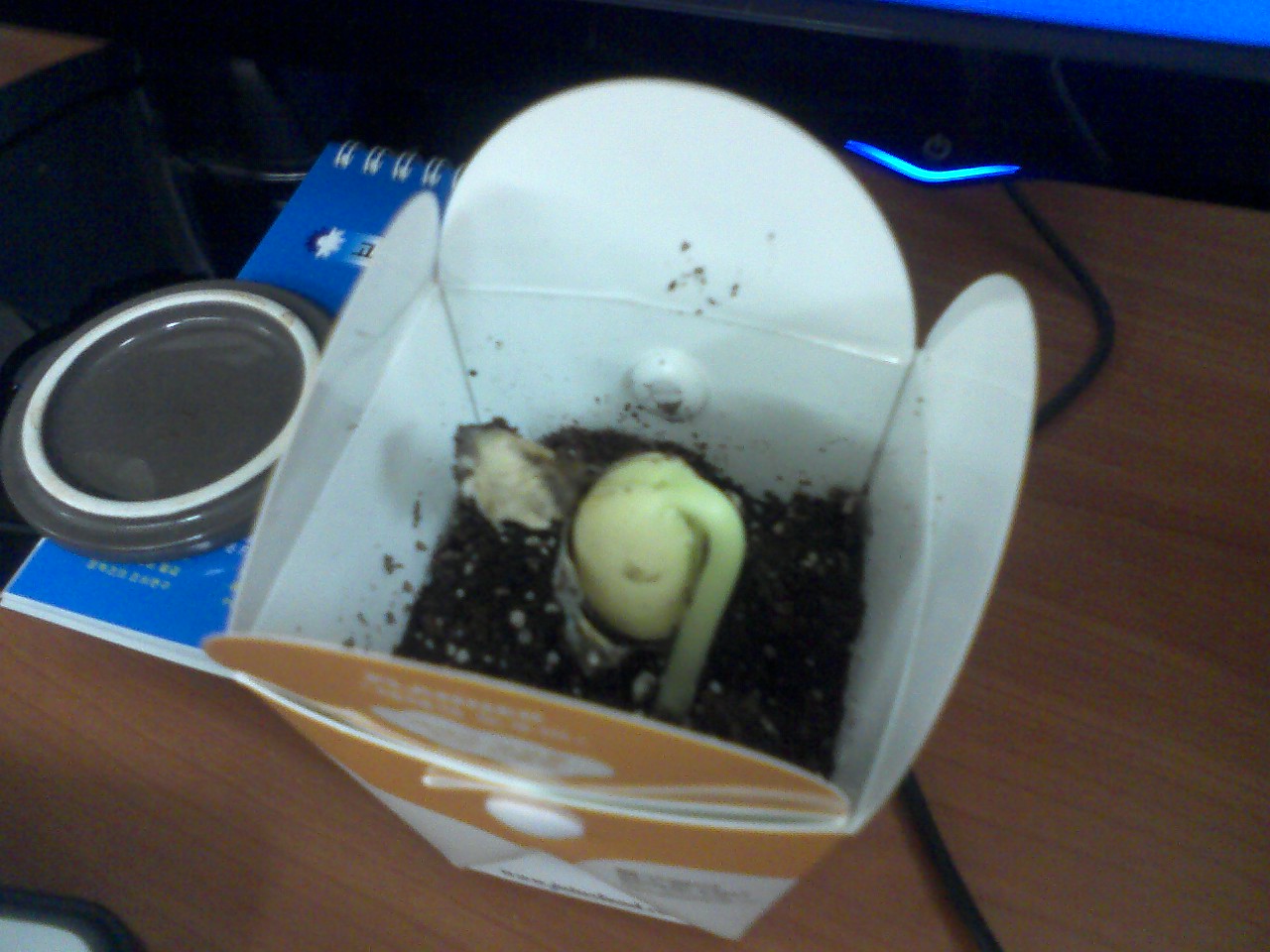
1월 30일 (역시 구린 화질. 글자가 제대로 안보이네.) 하루 사이에 3cm정도 자랐다.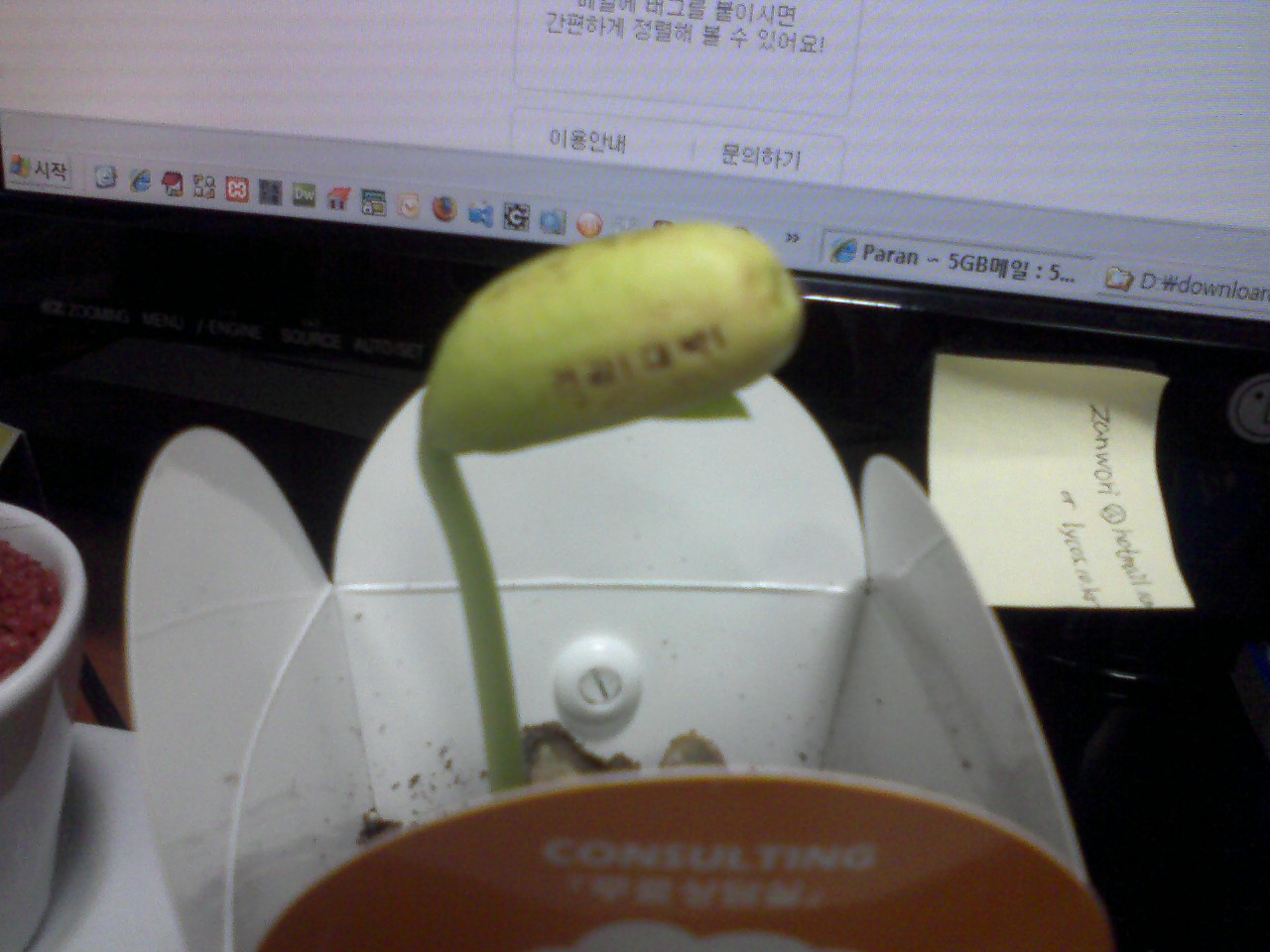
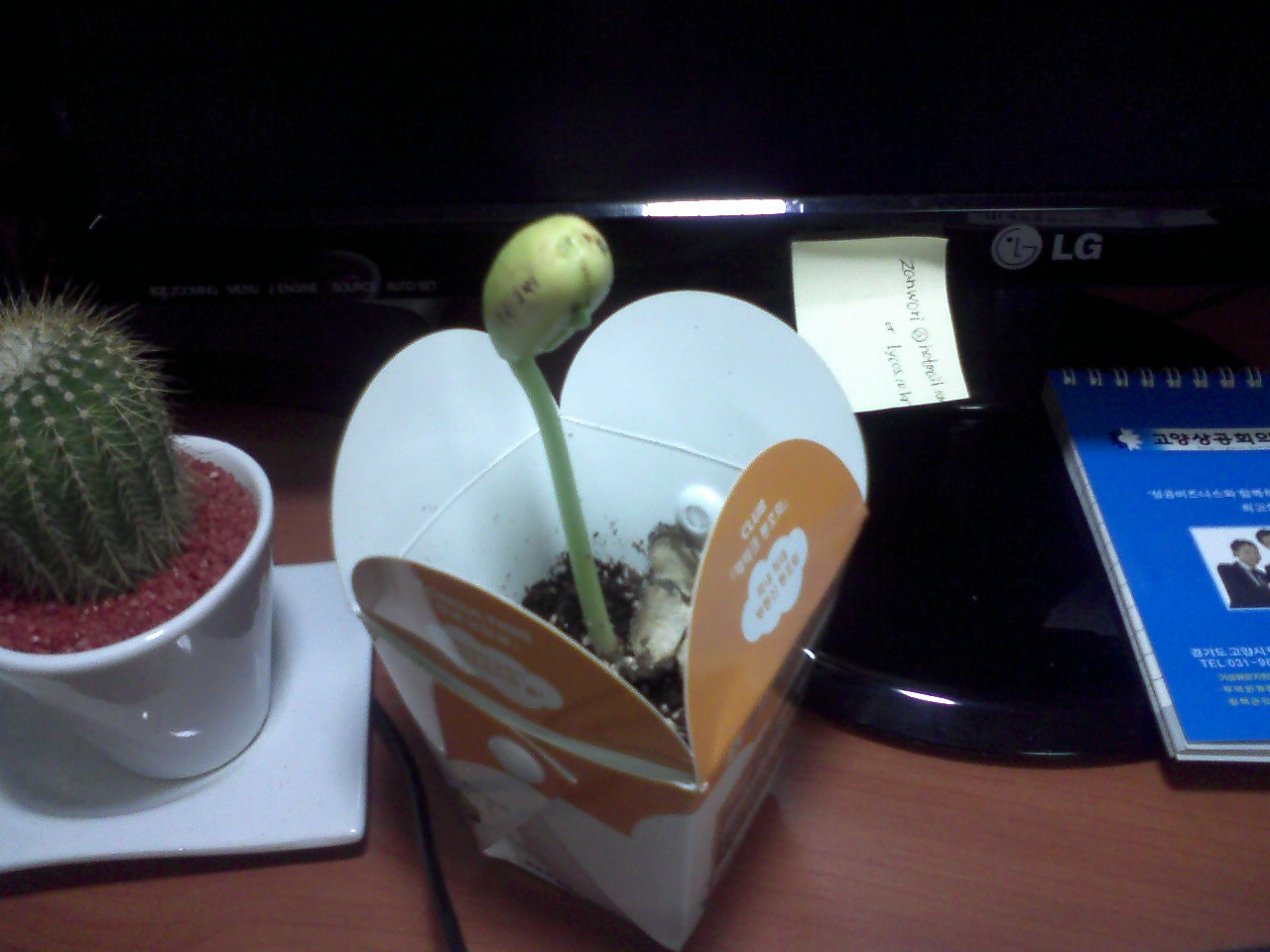
2월 2일 이틀 또 쉬고 출근했더니.. 이틀전보다 8cm 이상 자랐다. 놀람의 연속..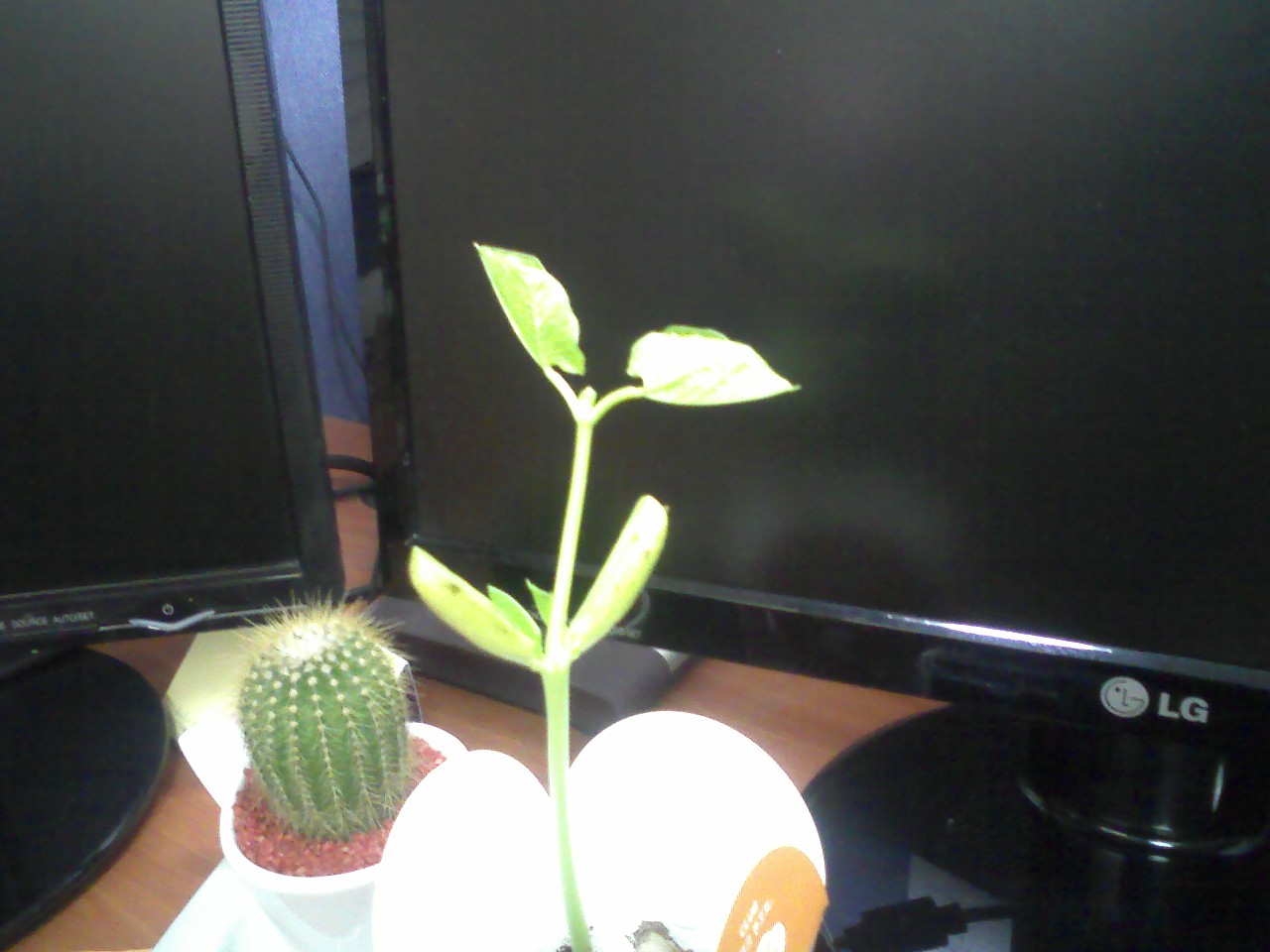
2월 4일 이제는 지지대를 설치해줬다. 이틀전보다 1.5배 이상 자란듯..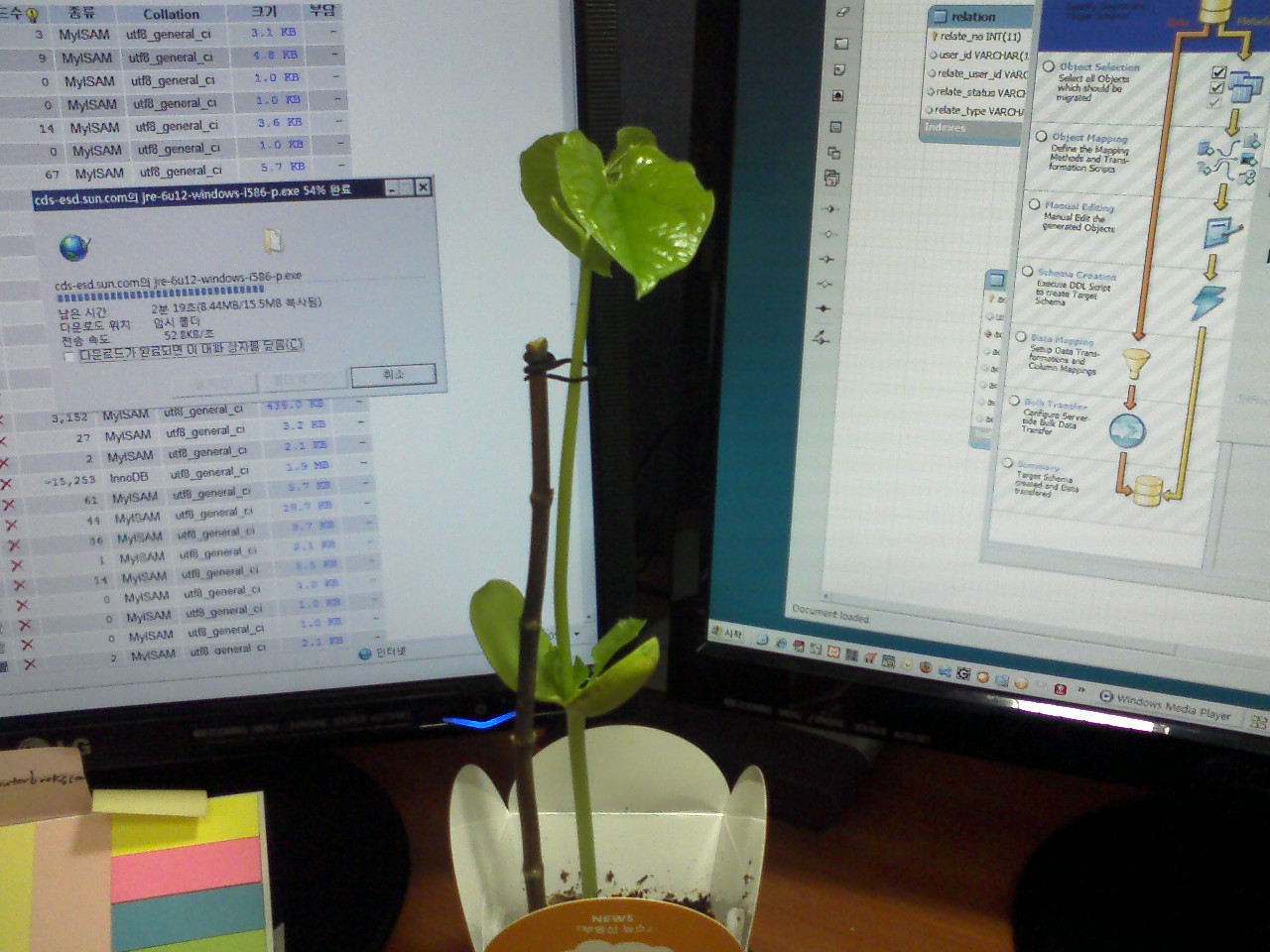
2월 5일 키는 조금 자랐지만 맨 위에 덩굴줄기가 나왔다. 이 넘이 줄이나 나무가지를 타고 올라갈 넘이다.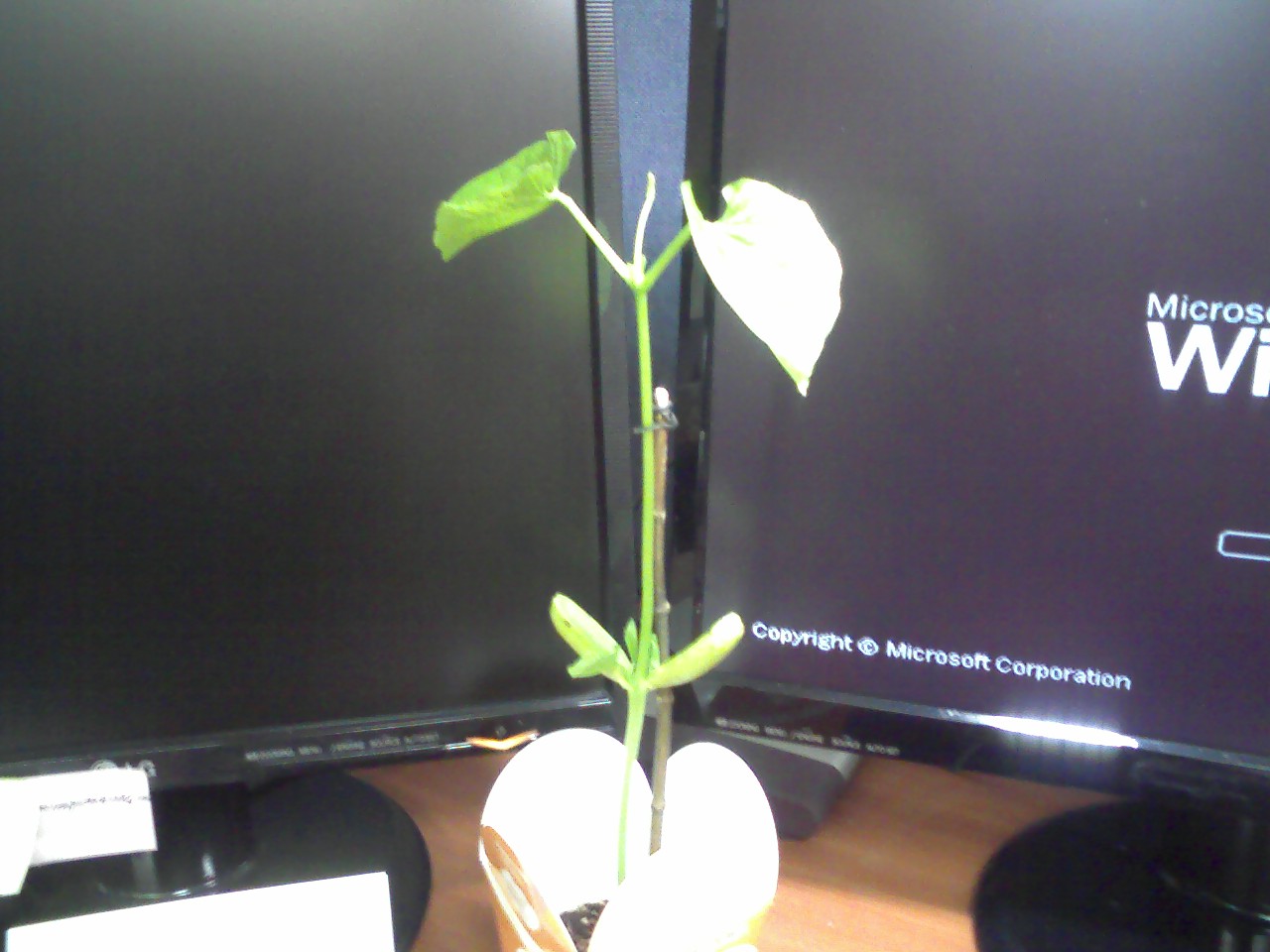
2월 6일 점점 자라는 덩굴줄기 (스탠드 밑에서 옆으로 옮겨놨더니 좀 덜 자란다)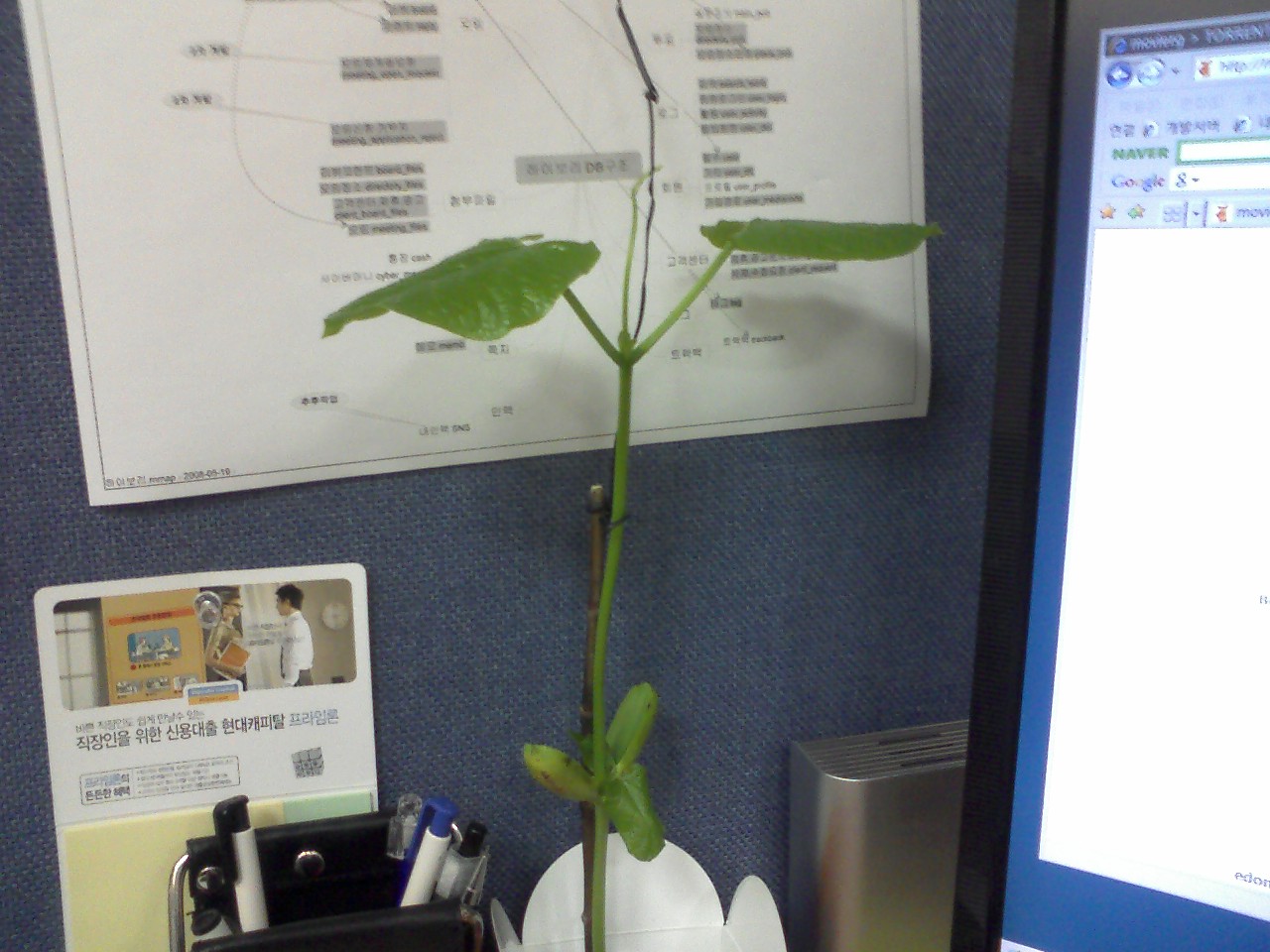
2월 9일 3일만에 또 훌쩍 커버렸다. 재크의 콩나무닷~~! 잎도 훨씬 커지고 타고 올라가라고 해준 줄도 마다하고
혼자 크고 있다. 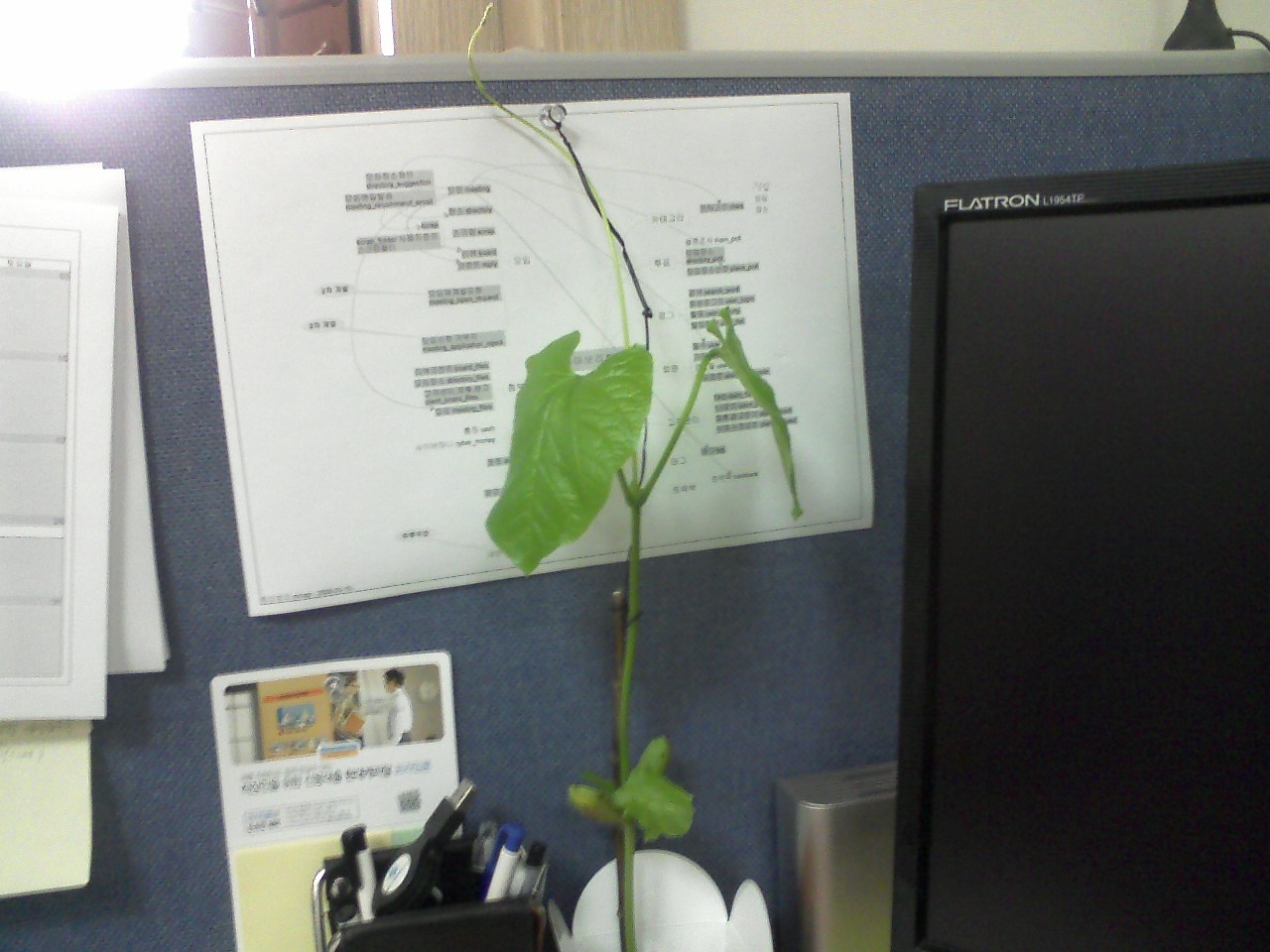
그래서 스탠드에 줄 메달고 스탠드 밑으로 옮겨줬다. 어느새 모니터를 훌쩍 넘어 버린 키.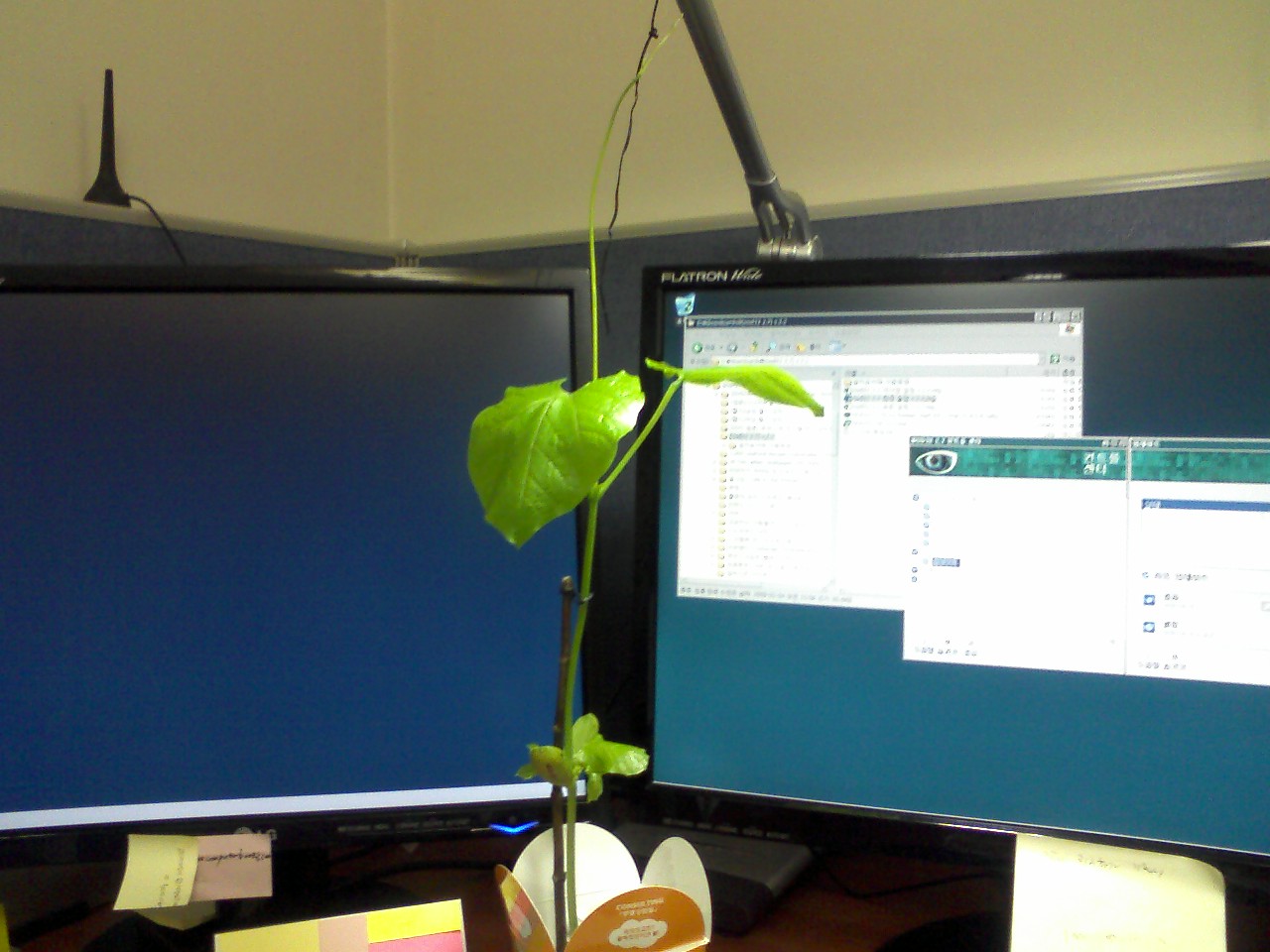
이제 매일매일 크는 콩나무의 사진을 계속 포스팅하면서 관찰일기를 작성해야겠다.
집에서 키우면서 웅휘한테 보여주면 좋은데 너무 커버려서 대중교통으로는 이동이 불가능해졌다.
좀 있으면 화분도 큰걸로 옮기고 흙도 더 넣어줘야 할텐데..
휴일에 차 가지고 어디 갈때 혹 사무실 지날일 있으면 그때 집으로 가져가야겠다.
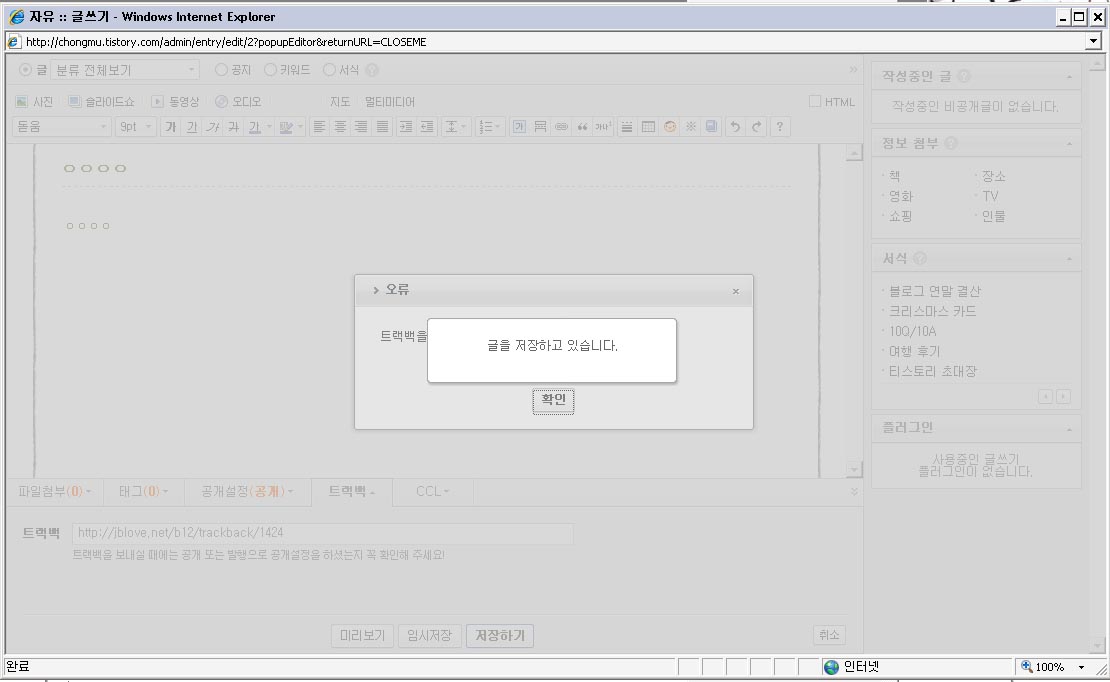
좌측 사진 : 티스토리에서 텍스트큐브주소로 트랙백 보내기
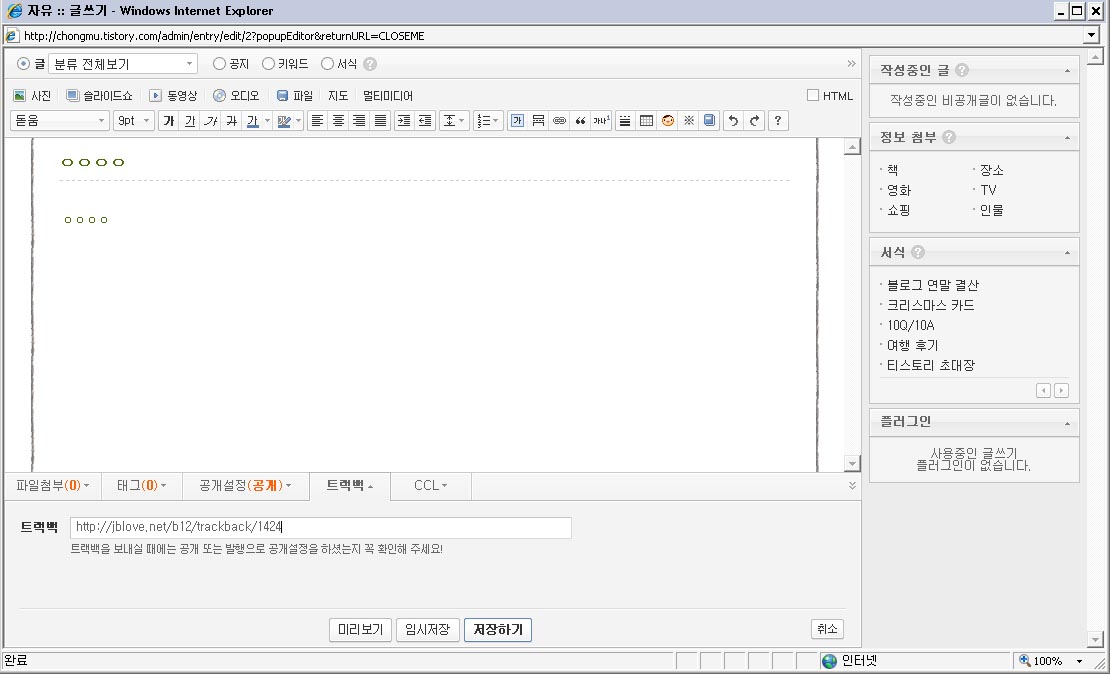
우측 사진 : 글 작성시 에러 화면(티스토리)
텍스트큐브에서 티스토리나 네이버, 내부로 트랙백을 보내는 경우는 문제가 없습니다.
문제는 외부에서 텍스트큐브로 트랙백을 보낼때입니다.
제가 작성한 제로보드->태터툴즈 컨버터 글로 컨버팅을 하신 분이 트랙백을 보내셨다는데
휴지통이나 어디에도 내용이 남아있지 않아서 테스트를 해봤는데
현재 확인한 바로는 티스토리에서 텍스트큐브로 트랙백을 보낼 수 없습니다.
글 작성시 에러가 납니다.
텍스트큐브의 문제는 아닌 것 같습니다. 이글루스에서는 정상적으로 들어오고
텍스트큐브에서도 정상적으로 들어옵니다.
티스토리에서 해결해야할 문제인듯 합니다.
그리고 텍스트큐브에서 네이버 블로그로 트랙백 보낼 경우 문자셋이 깨져서 나옵니다.
네이버는 오로지 EUC_KR이죠.
받는 쪽이든 보내는 쪽이든 문자셋 확인후 서로 틀릴 경우 문자셋 변환을 시키면 될텐데
기본적인 것을 간과하네요.